Saving
Eneris automatically saves your inspection data locally to your device as you inspect. This ensures that your progress is preserved even if you're working offline or lose internet temporarily.
- Saved inspection data on your mobile device is known as an Offline Form.
- See Syncing for documentation on how to ensure your inspection data is backed up online.
For Eneris to save inspection data to your mobile device it must have sufficient free storage space.
We've taken steps to:
- Minimize the amount of storage space Eneris needs.
- Optimize how long unused saved reports remain on your device.
Auto-saving
Eneris automatically saves your inspection between every thirty seconds to two minutes as you work.
You can also save manually:
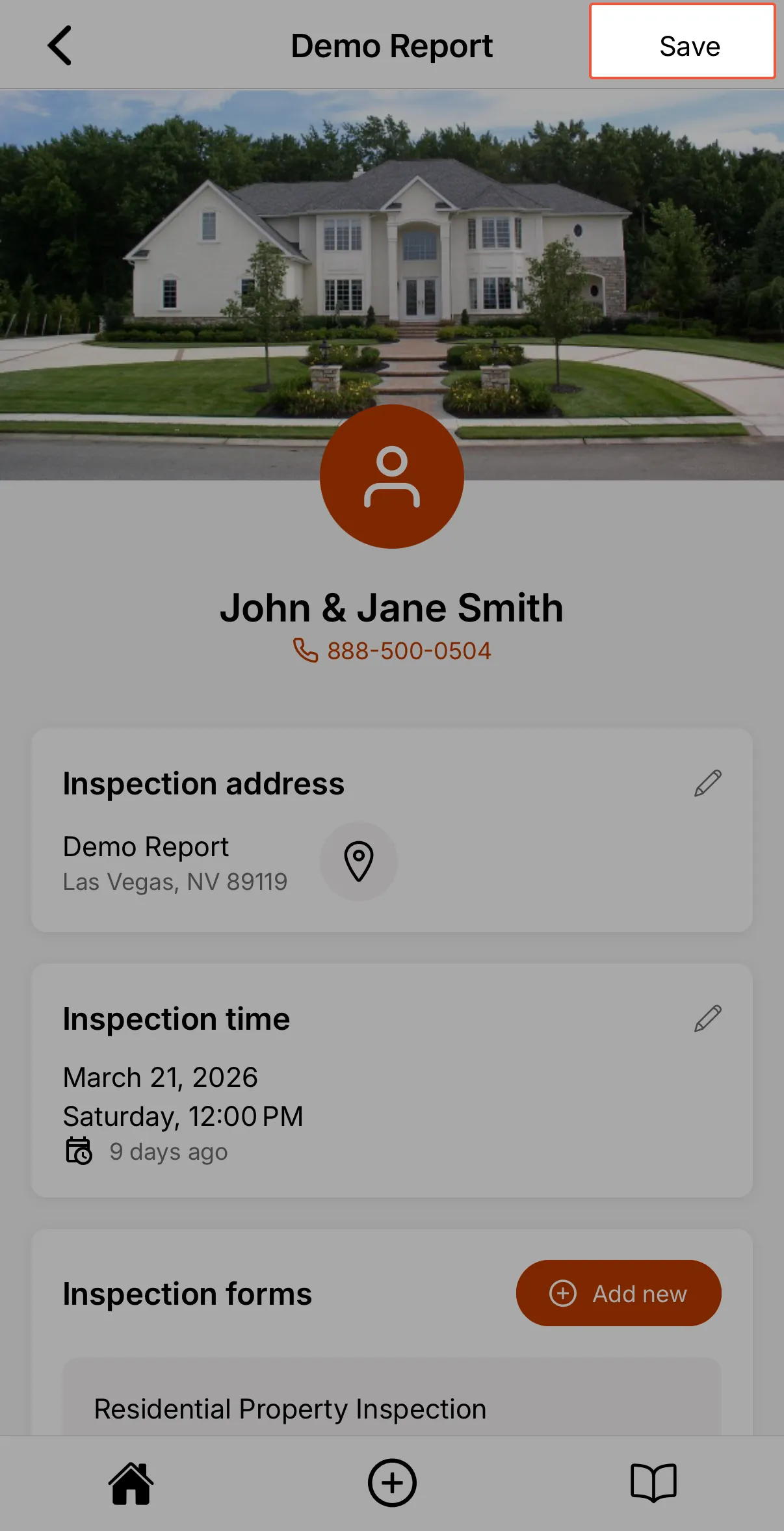
- By navigating to the Inspection page and selecting the
Savebutton in the upper right.
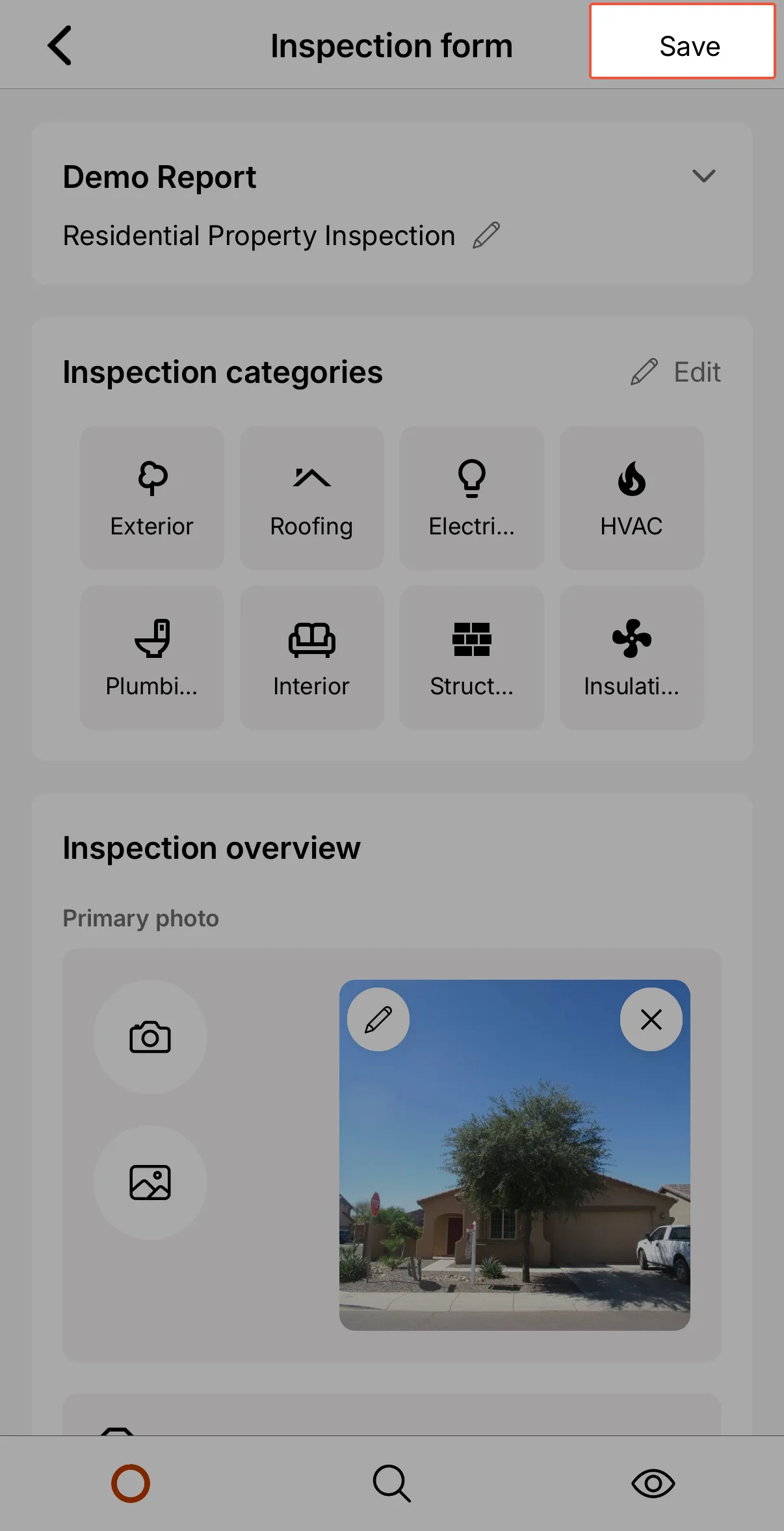
- By navigating to an Inspection Form and selecting the
Savebutton in the upper right.
The Save button also appears on the nested Inspection screens, such as when editing the address, inspection time, contacts, or notes.
Saving vs. Syncing
While saving stores your work locally on your mobile device, syncing uploads the report to the cloud for backup and access across devices.
| Action | Where it's stored | When it happens |
|---|---|---|
| Saving | On your local mobile device | Every 30 seconds or manually. |
| Syncing | In the Eneris cloud | When you publish or share a report. You may also manually sync the report. |
For more information on Syncing click here.