App updates
To ensure you have the latest version of Eneris on your mobile device follow this two-step guide below.
Step 1: Updating from the App Store or Play Store
Apple devices: Visit the App Store and locate the Eneris application. If an "Update" option is visible select it to update.
Android devices: Visit the Play Store and locate the Eneris application. If an "Update" option is visible select it to update.
Step 2: Update within the Eneris application
In addition to updating the application as outlined in step 1, you may also need to restart the application.
To verify whether a restart is necessary
- Open the Eneris application.
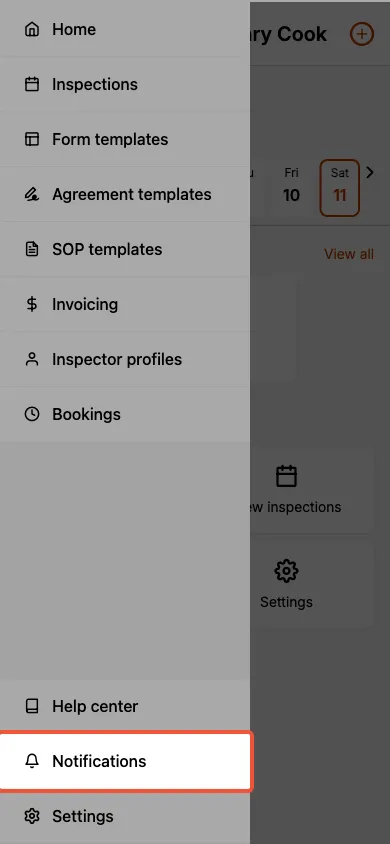
- Expand the sidemenu from the home screen using the icon in the upper left corner.
- If a red dot is visible next to the bell icon for the Notifications option then a restart is necessary.
To restart Eneris
- Select the Notifications option in the sidemenu.
Apple devices: Select Restart and Update. Eneris will restart and apply the latest updates.
Android devices: Close and reopen the app to apply the latest updates.
After successfully updating, you should no longer see a red dot next to the Notifications option.